Your library
One library, however many bands play out of it.
Categories keep it in order, the editor makes writing a chart quick, and the charts you already have come in as they are.
Categories you invent
There's no fixed list to file things under. You name the categories — Covers, Lazer Mice, Funerals, Openers — and a chart sits in as many of them as you like, so a standard both your bands play is written once and filed under both.
This is what makes one library serve several bands. A side project doesn't need a library of its own; it needs a category. And you can limit a setlist to one category, so an Editor adding songs is searching that band's repertoire and nothing else.
A whole category also travels as one unit: hand the covers material to another Owner in a single go rather than a chart at a time.
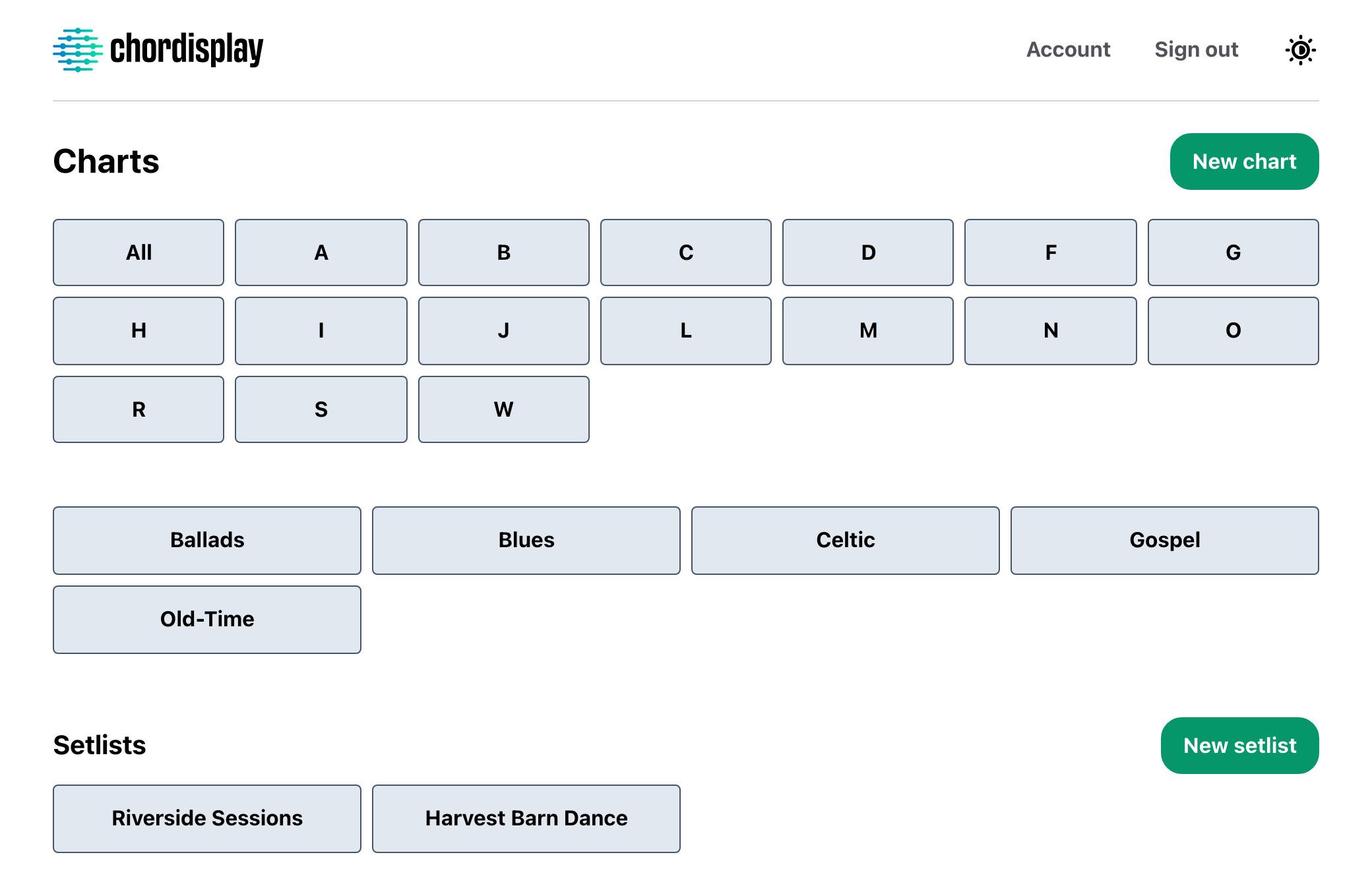
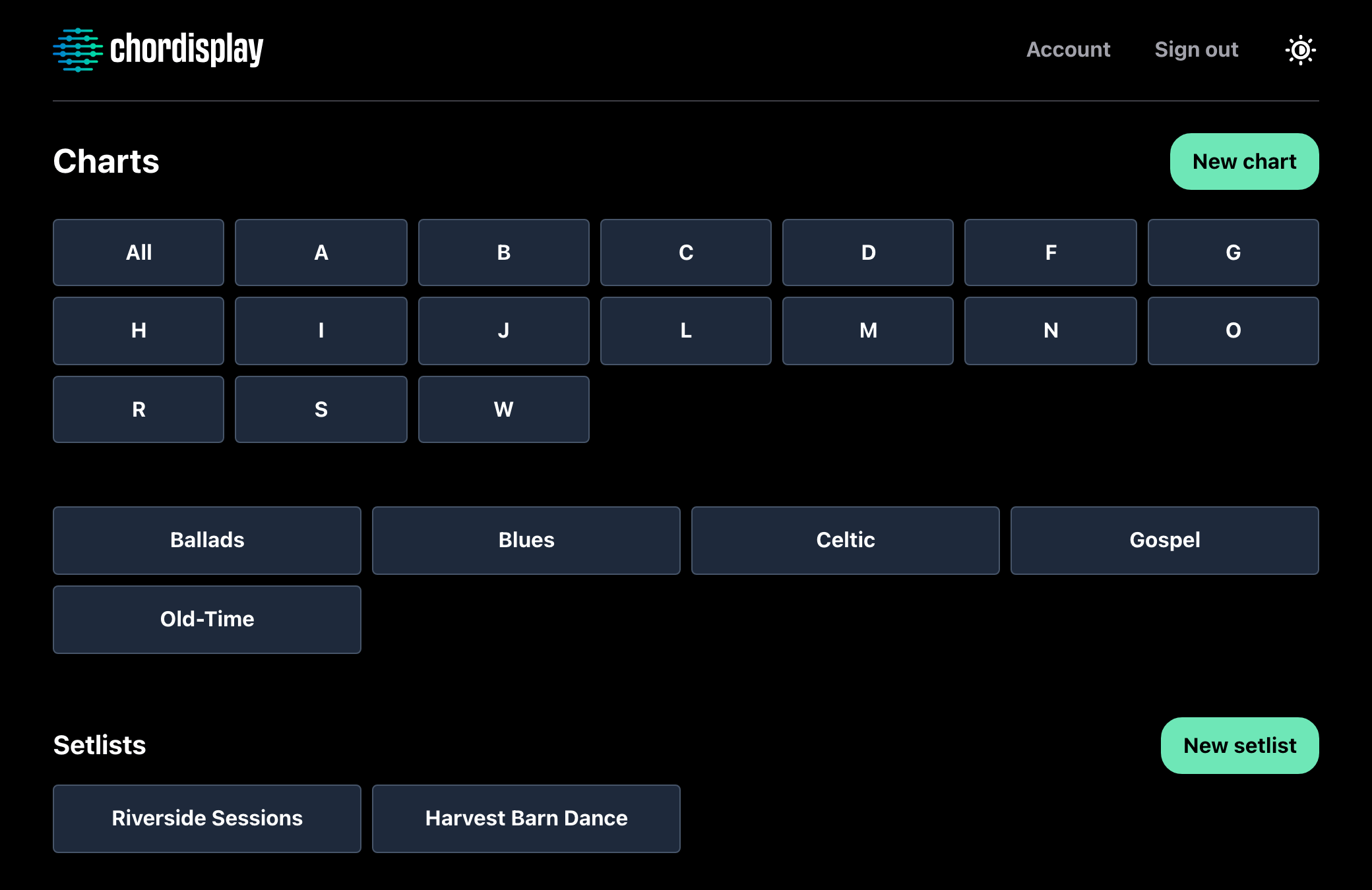
Browsing works the same way whichever device you're on: the letters across the top, the categories under them, and a search box that filters by title and artist once you've picked one.
Writing a chart
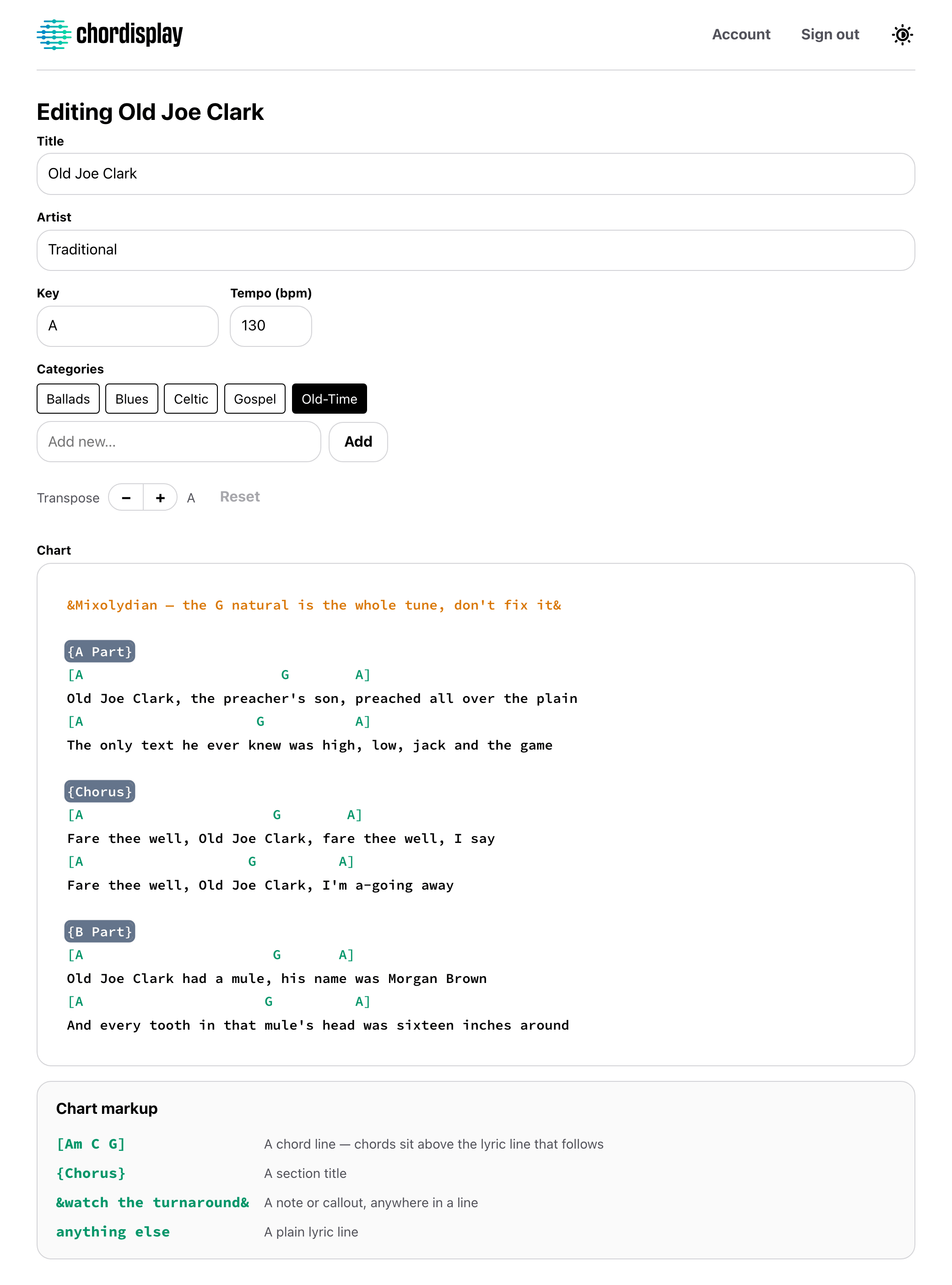
A chart is plain text with four kinds of line: a chord line, a section title, a note to yourself or the band, and everything else is a lyric. That's the whole format, and none of it is required — a chart of only chord lines is a fine chart.
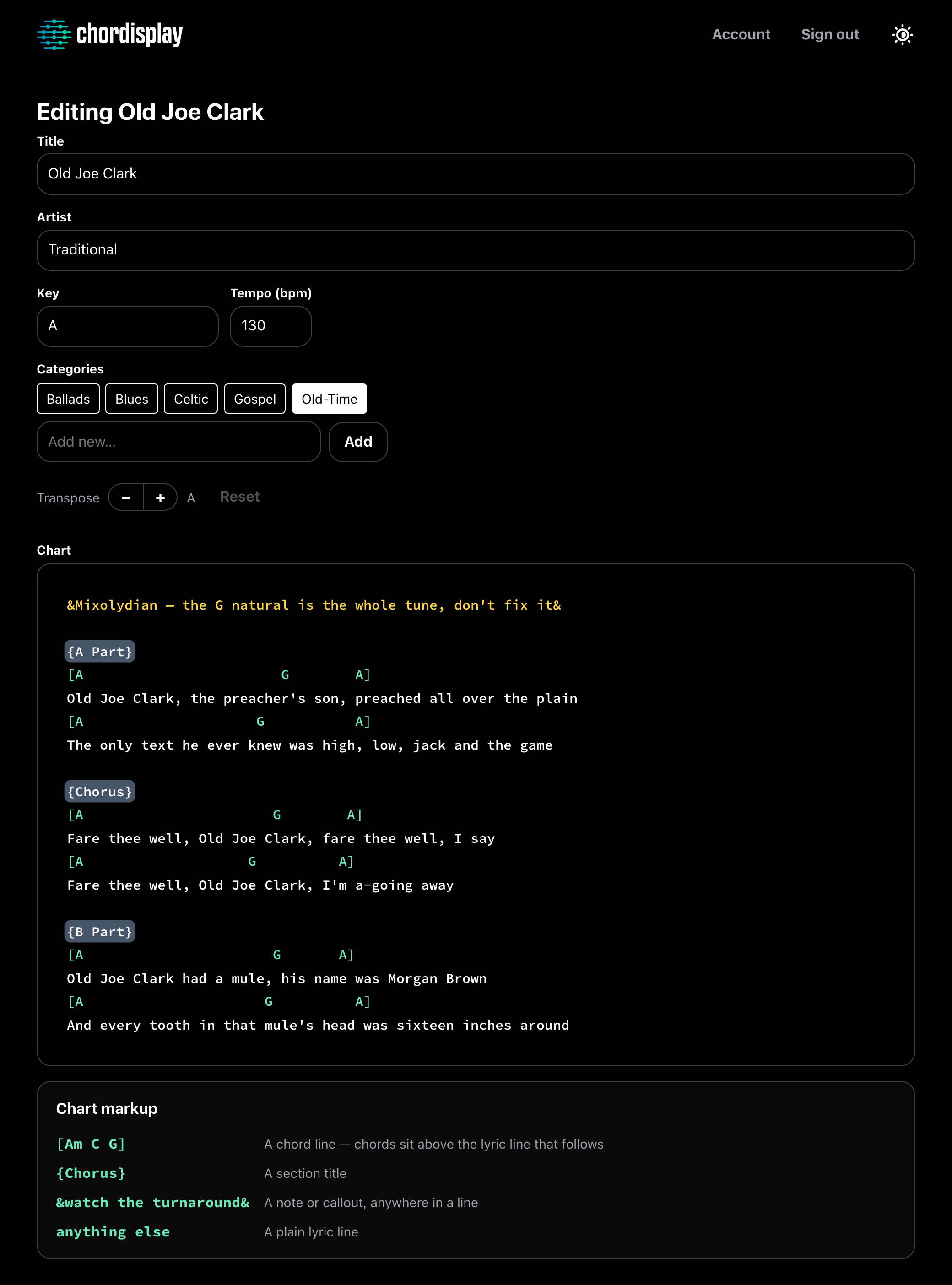
Chords, section titles and notes colour as you type, in the same colours the finished chart uses, so you can see the shape of the song while you're writing it rather than after you save. The editor grows to fit the song — there's no small scrolling box to write through.
It works everywhere, and the web app is where it's quickest: a real keyboard beats a phone for typing out a chart, and the phone is the better place to read one.
Half-time feel from here
Chorus
G        D       Em      C
Wish you were here
G        D       C
Wish you were here
Any key, while you read
Move a chart to whatever key suits the singer. The chords come with it, spelled the way the destination key is normally written — transpose into Eb and you get flats, into E and you get sharps — and they stay in their columns over the words. The key you've landed in is shown while you're there.
It's how you're reading the chart, not what's stored. The saved chart is never rewritten, so pulling a song down a tone for one singer changes nothing for anyone else.
There's no capo setting. That one is a genuine gap, not a shortcut.
Bring the charts you already have
Import ChordPro files or a Chordisplay export, a folder's worth at a time. The format is worked out from what's inside each file rather than from its name, so a .txt full of ChordPro still lands correctly.
Nothing is written until you've seen what's about to happen. The preview lists every file, what it parsed as, and what it's going to do with it — and anything that looks like a chart you already have is skipped unless you say otherwise. Everything that arrives is flagged New until you've looked at it.
PDFs are the honest no — there's no PDF import, display or annotation anywhere in Chordisplay.
It goes the other way too: every chart and every setlist exports as Markdown, one at a time or the whole library as a zip with a file per song. Plain text files that open anywhere, and export keeps working even if a subscription lapses.
Bring your charts. Keep them in order.
30 days free. After that, one subscription covers everyone you play with.